
From Screen to Bed: How Hi3D Makes AI Model Color Printing and Part Splitting Actually Work
If you are into 3D printing, you know the drill: 3D model generator AI tools are incredibly trendy right now. You type a prompt or throw in an image, and boom—a flashy 3D asset pops out in seconds. But every single time you excitedly slice that model, reality hits you hard. Either the gorgeous textures completely vanish, leaving you with a blank white mesh, or the geometry is completely fused together, making it impossible to print in separate parts. And don’t even get me started on those anti-human support placements that completely ruin the model surface once you pick them off. Let’s be real—most cutting-edge AI 3D model generator assets are just pretty renders built for the screen. They don’t give a damn about whether your printer can actually print them.
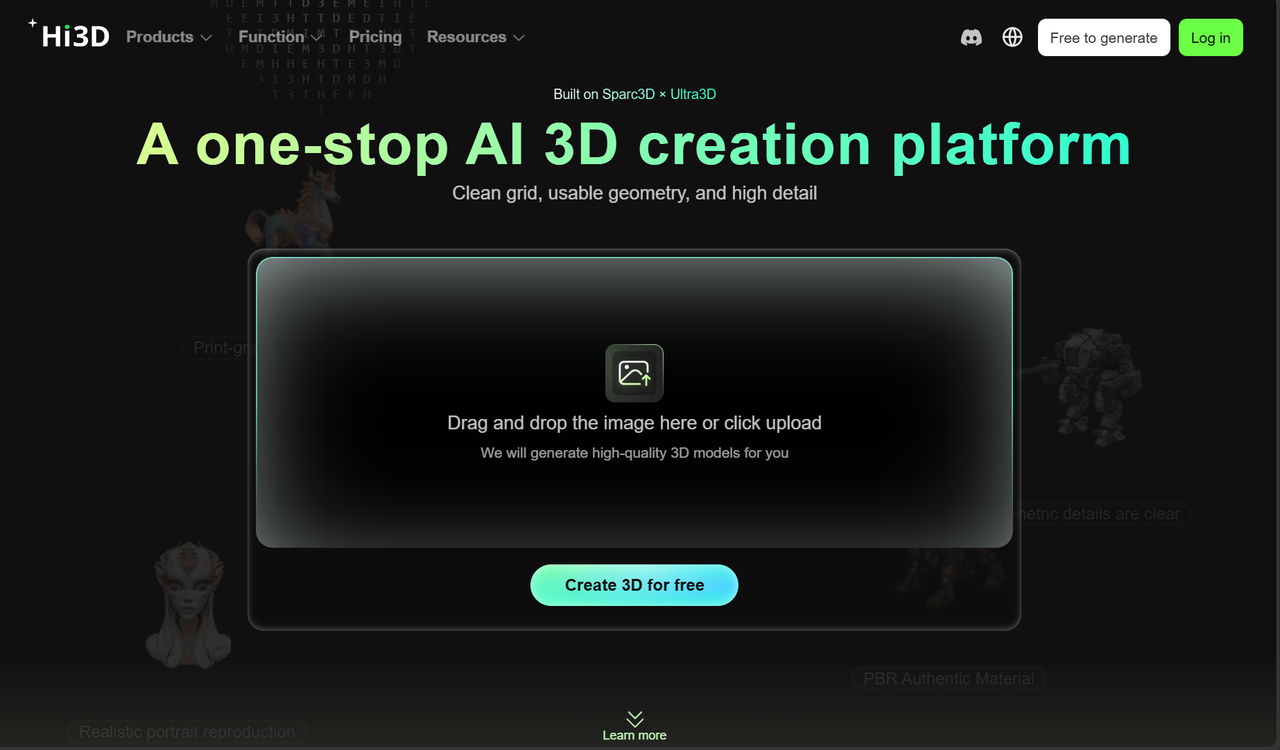
Hi3D was built by a bunch of hardcore makers who were sick and tired of these “look-but-don’t-touch” models. Because the dev team spends their days running actual print beds, this tool isn’t just another generic AI 3D model generator; it acts like a print assistant that actually understands hardware constraints, slicer behaviors, and filament limits. Compared to other options on the market that drop a file and disappear, Hi3D’s biggest edge is that it’s deeply practical. It optimizes meshes at the algorithmic level to ensure printer-friendliness, managing complex color regions and clean splitting for massive figures automatically. With Hi3D, you can finally stop wasting endless hours in Blender fixing broken non-manifold geometry, rebuilding supports, or manually repainting texture maps.
1. Deep Feature Breakdown: How It Actually Tackles Color Printing and Part Splitting
The reason Hi3D actually delivers is that every single feature is designed to solve a genuine, real-world printing headache. Even if you have absolutely zero background in industrial design, you can take free assets from any online 3D model generator free tool, run them through Hi3D, and flawlessly pull off complex multi-color prints and oversized figure projects.
1.1 Say Goodbye to Wasted Filament: Multi-Color Printing & Smart Material Mapping
If you’ve ever tried importing a colored model generated by a standard AI model generator straight into your slicer, you probably ended up with a massive mess. The surfaces usually come out riddled with annoying color noise and tiny, scattered color patches. To print these micro-regions, your printer has to repeatedly swap filaments during the run. This doesn’t just drag the print time out for days; it also leaves a giant pile of wasted filament poop all over your floor, making you watch your hard-earned cash literally turn into plastic waste. Hi3D takes a much smarter approach. It features an intelligent automatic color mapping system that extracts up to 16 clean colors. By merging scattered patches and prioritizing color continuity, the algorithm fundamentally reduces filament swaps and stringing risks, saving you a serious amount of material money.
The user interface feels highly intuitive and creator-centric. You drop your textured file in, click once, and instantly get a print-ready colored version. With two straightforward sliders for “Color Count” and “Detail Retention,” you are in full control of whether you want cleaner blocks or higher-fidelity gradients. The real game-changer, though, is its Material-aware Simulation. You can select the exact physical filaments sitting on your desk and map the digital colors to real-world skus. You get a 1:1 real-time preview of the actual physical finish on your web browser before heating up the nozzle. If a spot looks off, just click to manually repaint it, and then export a print-ready 3MF file with one click, perfectly balancing color accuracy with cost efficiency.
1.2 A Figure Maker’s Dream: Smart Splitting & Automated Connectors
For figure collectors and prop studios, nothing is worse than finding an epic, dynamic character model only to realize it’s way too massive for your printer’s build volume. Or even worse, the pose is so extended that the auto-generated supports look like a giant hornets’ nest, leading to hours of painful post-processing where you accidentally snap off a finger or a weapon. Hi3D’s smart splitting module completely saves us from the nightmare of manually cutting meshes in Blender or ZBrush. It features 6 built-in structural splitting templates tailored for characters. Whether you want to break it down into 2 pieces or 6, it cuts the model cleanly into independent parts like the head, torso, limbs, and base with one click. Furthermore, every single cut piece is output as a watertight solid mesh, meaning zero slicer errors or missing face issues.
But cutting a model apart is only half the battle; how well the parts lock together is what matters. Hi3D nails this detail by automatically generating assembly keys and running internal Boolean operations so you don’t have to hollow out joints manually. For static display statues, the system automatically builds mortise-and-tenon joints, dovetails, or alignment pins, ensuring a seamless fit that holds up under weight. If you are looking to build articulated action figures, it can even automatically generate multi-directional ball joints or single-axis rivet connectors. You can also fine-tune tolerances and connector dimensions based on your specific printer’s extrusion accuracy, giving you complete control over how tight or loose the final fit feels.
2. From Efficiency to Innovation: Stress-Free Layouts and Maker Templates
To give everyone a truly frictionless “screen-to-bed” experience, Hi3D doesn’t just focus on the model itself; it steps right into your pre-print preparation phase, using smart algorithms to kill off repetitive manual tasks.
2.1 Smart Layout Arrangements & 3MF Integrated Workflow
Once your parts are split and colored, figuring out the best placement angle on the bed is a massive art form. Hi3D’s algorithm offers clear layout recommendations based on your goals(). “Surface Priority Mode” rotates parts to hide support marks on the back or unnoticeable areas, giving you a smooth, beautiful front finish. Meanwhile, “Material-Saving Mode” minimizes both print time and support structures. Once arranged, Hi3D packs the model orientations, support layouts, and recommended parameters like layer heights and temperatures straight into a single 3MF file. You can open it directly in Bambu Studio, OrcaSlicer, or Creality Print and hit print(). This integrated workflow slices out over 80% of the usual manual tweaking time, giving your productivity a massive boost.
2.2 Maker Templates: Go from a Photo to a Custom Print Seamlessly
For everyday hobbyists who don’t know how to model and don’t care to learn how to write complex engineering prompts, Hi3D offers an incredibly straightforward “Maker Templates” feature. You don’t have to think about prompts at all; you just pick a theme template you like. Upload an everyday photo of your pet or a friend, select a template like “Pet Figurine,” “Chibi Figure,” or “Custom Gift,” and Hi3D’s backend engine takes care of the image-to-3D conversion, stylistic polish, and printability adjustments automatically. Through this dead-simple pipeline, a basic phone photo turns into a tangible, colored physical figurine on your desk in minutes.
Whether you run a small business relying on an AI 3D modeling automated pipeline to crush product prototype cycles, or you are a solo maker using a 3D AI model generator to print custom mechs with split joints, Hi3D lets you skip the pain of learning professional 3D software from scratch. Using just your standard desktop printer, you can continuously build high-end assembly models that rival premium retail figures.
3. The 1st Anniversary Celebration Is On: Time to Grab This 70% Off Deal
Thanks to our amazing community of makers testing out features and pushing us to iterate, Hi3D has successfully made it through an incredible first year! To give back to the global community for all your invaluable feedback on our 3D model generator AI tech, the team is putting out a massive deal for our “1st Anniversary Thanksgiving Celebration”!
3.1 Flat 70% Off on Subscriptions & Add-Ons
This anniversary sale is the absolute biggest discount event since Hi3D went live! During the promo period, whether you are a brand-new face or a long-time regular, all sitewide subscriptions and value-added features are available at a staggering 70% Off super discount! On top of that, our highly requested Credits Packs are running a limited-time Buy One, Get One Free. deal, making it the perfect time to stock up on a full year’s worth of AI generation allowance on the cheap.