
Why Is Your Portable Power Station Charging Slowly from a Wall Outlet?
A low AC charging setting, battery temperature, or the normal slowdown near full charge is often behind slow wall charging. Start with the battery percentage and input-watt display. A unit drawing a steady 200W from the beginning needs a different check from one that charges quickly until 90% and then slows down.
You can narrow the cause without buying a replacement cable or repeatedly restarting the station. Compare the observed charging behaviour with the steps below, changing one thing at a time.
A Steady Low Input Usually Points to a Setting or Charger Limit
Look for an AC charging speed setting, quiet mode, or physical charging switch. These controls reduce input intentionally, often to lower fan noise or avoid placing a heavy demand on the supply.
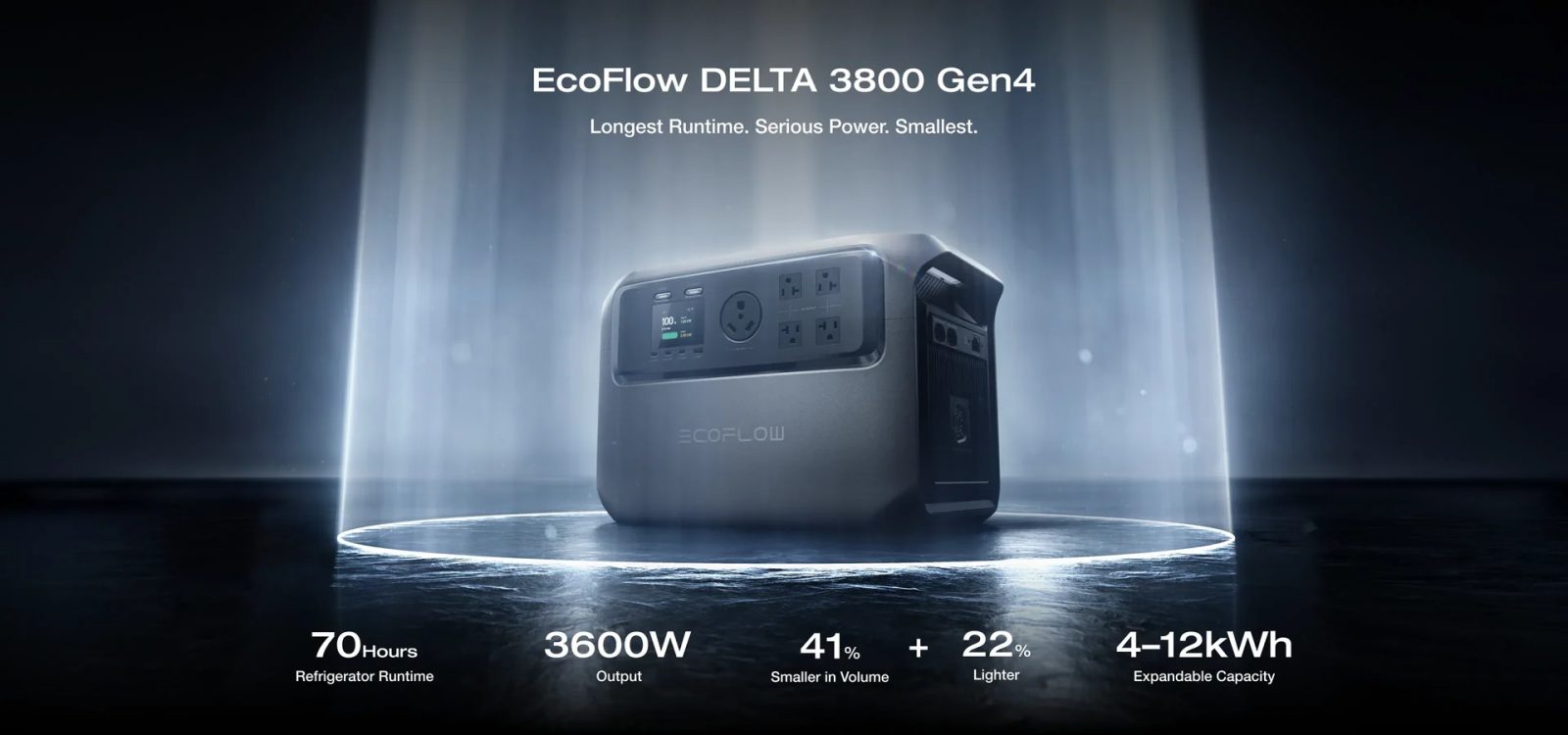
For example, EcoFlow DELTA 2 Max has an AC charging speed switch and adjustable charging settings. A low setting is not evidence that its battery or wall outlet has failed. Raising the limit restores access to faster charging when the circuit has capacity available.
Check the input specification rather than the output rating. A portable power station advertised with 2,000W output does not necessarily accept 2,000W from a wall outlet. Output describes what it can supply to appliances; input describes what its charger can receive.
Older designs with an external charging brick can also be limited by that adapter. The fact that a connector fits does not establish the adapter’s voltage, polarity, or charging capacity. Use the specified charging equipment instead of substituting a higher-wattage adapter at random.
Fast at First, Slow Near Full Is Normal
Charging does not proceed at maximum power from empty to full. The battery management system reduces the rate near the end of charging, which is why a rapid 0-80% claim should not be extrapolated directly to 100%.
If charging is fast in the middle of the battery range and slows only near full, there may be nothing to fix. Compare the time taken over the same charge interval rather than comparing a friend’s 20-60% session with your own 90-100% session.
A charging limit can also explain why progress stops at a particular percentage. If the app is set to stop at 80%, leaving the cable connected for another hour will not make it reach 100%. Check scheduled charging and energy-management modes if the stop occurs at a predictable time or level.
A Warm or Cold Battery Needs Time to Recover
Charging protection responds to battery temperature, not just the temperature you feel in the room. A station brought in from a freezing vehicle can remain cold internally after its case begins warming up. One that has just powered a demanding appliance may still be hot after that appliance is disconnected.
Move the unit into a dry, ventilated room and let it return naturally to a suitable temperature. Keep vents clear. Do not use a heater or freezer to force a rapid change, and do not bypass a temperature warning.
For a concrete reference, DELTA 2 Max specifies a charging range of 32-113 degrees Fahrenheit. Its discharge range is different, so the ability to run a device in cold weather does not establish that it can also charge there.
Separate Wall Input from Battery Recharging
If equipment is running while the station charges, some incoming electricity supplies that equipment. The screen’s total input figure may therefore be larger than the power actually reaching the battery.
As a simplified example, 600W coming in while connected equipment consumes 400W leaves about 200W before charging losses. The battery percentage will rise much more slowly than it would with the outputs unused.
Temporarily disconnect optional loads and compare the charging progress. This distinguishes a slow charger from a station that is doing two jobs at once. A household circuit also has to support the combined demand, not just the number selected in the charging app.
Investigate the Connection When Input Is Unstable
For charging that repeatedly starts and stops, inspect the unplugged cable and connectors for damage, poor seating, or discoloration. Test a sound wall outlet directly, removing an unnecessary power strip or extension from the setup.
A small lamp working in an outlet confirms that electricity is present; it does not prove that the connection can safely sustain a high charging load. A loose, hot, or scorched outlet needs an electrician, not another fast-charge attempt.
If slow charging persists at a moderate battery level, normal temperature, and the correct setting, record the input watts, battery percentage, error message, and charging equipment. Those observations give support something useful to diagnose.
FAQ
Will a Bigger Wall Charger Make It Charge Faster?
Only up to the station’s supported input limit. Models with built-in AC charging use their internal charger, so changing to a different household cord does not upgrade the charging electronics.
Conclusion
Check the charge setting first, then distinguish normal tapering from temperature protection and shared power use. The useful sign is not whether the unit reaches its advertised maximum every moment, but whether it charges normally under comparable conditions. Stable, explained slow charging requires a different response from repeated interruptions or a damaged connection.